 EN
EN


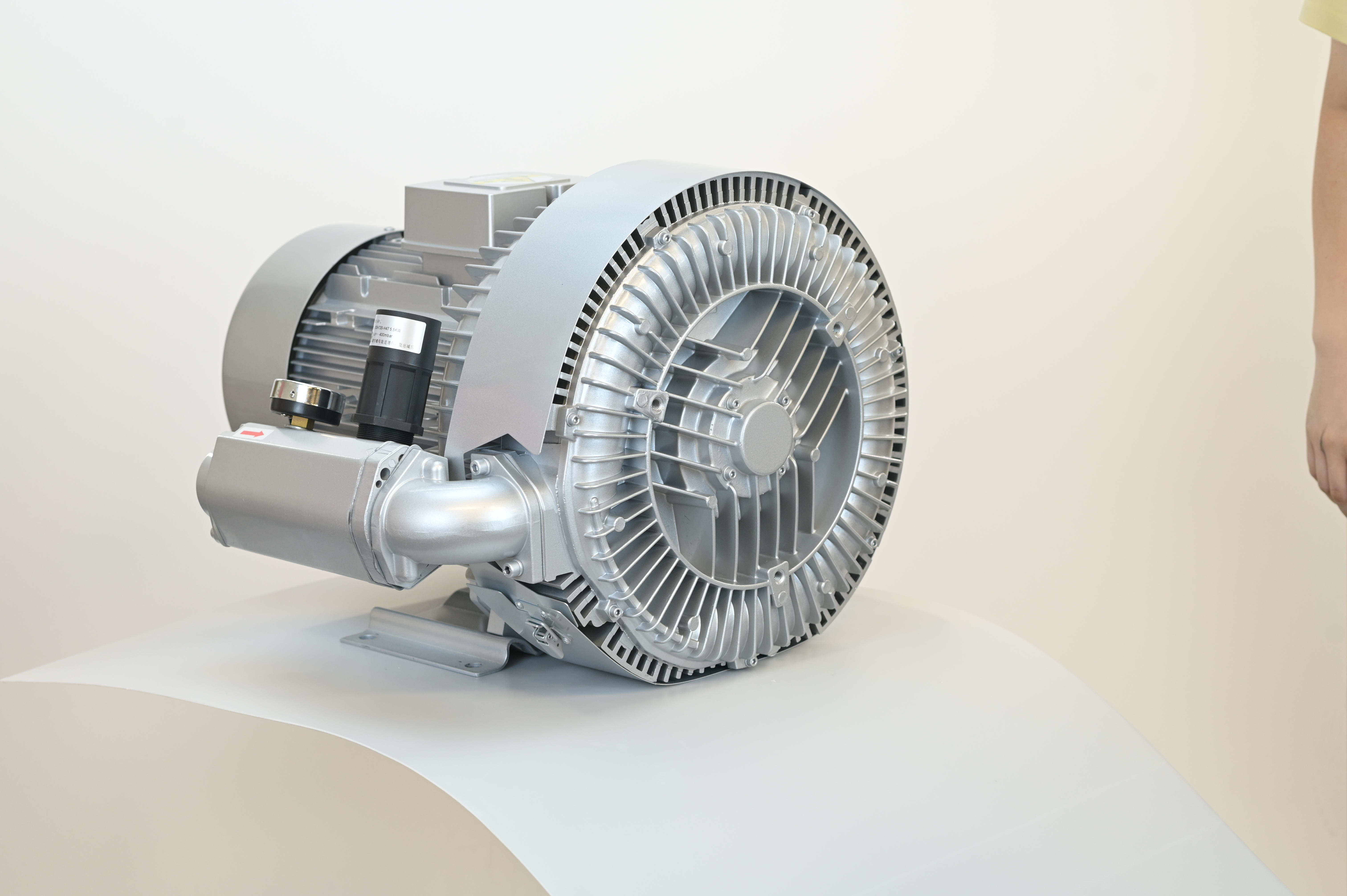
Maintaining a clear airflow path is the foundation of reliable vacuum blower operation.
-
Daily: Inspect air filters for debris. Clogged filters can reduce airflow by up to 30%, forcing the blower to compensate and accelerating mechanical wear. Clean with compressed air or a soft brush.
-
Weekly: Check intake screens and suction tubes for obstructions. Even minor turbulence caused by blockages lowers vacuum pressure and strains the impeller. Use a damp cloth for screens and mild solutions for tubes to ensure consistent suction and energy efficiency.
Cooling & Thermal Management
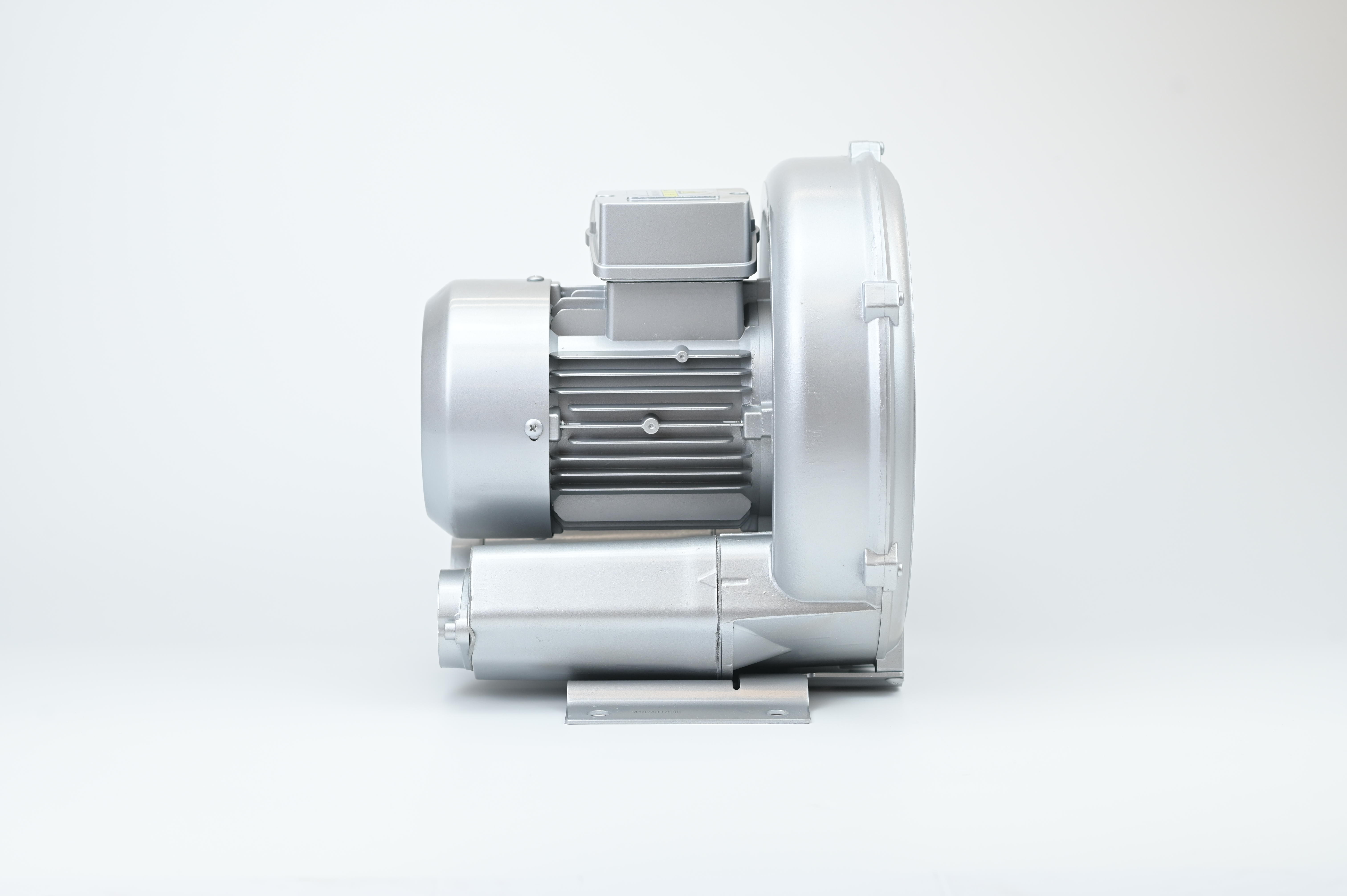
Vacuum blowers generate significant thermal load. Accumulation on cooling fins acts as an insulator, potentially raising internal temperatures by 15–20°C.
-
Best Practice: Clean vents and fins weekly. In dusty environments, increase inspection to every three days. Verify that cooling fans spin freely without abnormal noise to prevent premature seal and bearing failure.
Mechanical Inspection & Lubrication
Reliability depends on scheduled preventive maintenance.
-
Lubrication: Verify oil levels daily. Use manufacturer-recommended grades to preserve film strength. Schedule oil changes every 500–1,000 hours, or seasonally, to match lubricant viscosity with temperature fluctuations.
-
Wear Indicators: Conduct a monthly "walk-down" to inspect timing gears (pitting/backlash), shaft bearings (smooth rotation), and seals (oil leaks). Early detection via visual and auditory checks prevents catastrophic failure.
Performance Monitoring & Troubleshooting
Proactive maintenance pivots on data-driven diagnostics. Use the following table to identify and resolve common issues:
| Warning Sign | Potential Cause | Action Required |
| Grinding/Knocking | Bearing wear or Impeller imbalance | Immediate mechanical inspection |
| High Vibration (>5-7 mm/s) | Misalignment | Realignment or rebalancing |
| Temp Spike (>80°C) | Friction or Cooling failure | Check cooling fins and lubrication |
| Airflow Drop (>10%) | Filter/Duct blockage | Clean pathways |
| Pressure Decay | System leaks | Perform pressure decay test |